nodes
Luna Park
Visual Scripting Editor

Programming,
made visual

Frontend, backend, database, APIs... Syntax goes, logic stays.
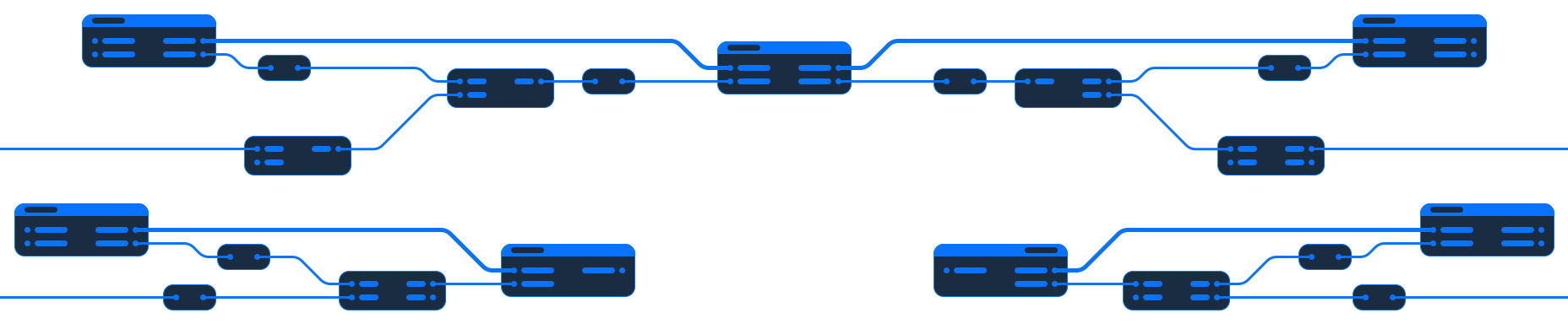
Visual logic graph in Luna Park
Visual interface layout in Luna Park
No vendor lock-in
Export your code
Host anywhere
Start using the editor right into your browser, for free.
Learn how to use the editor with a gamified tutorial.
The best of both worlds: the freedom of code, the speed of no-code.

What can you build?

Luna Park is a fully-featured platform for building a wide range of applications.

Frontend layout

Create multi-page responsive layouts

Components

Build reusable components with reactive state

Logic

Assemble logic visually with nodes

Store

Manage application state with a centralized store

Backend API

Create backend services with a REST API

Database

Manage data with a PostgreSQL database

Why Luna Park?

Built for developers, teams and businesses who want more freedom.

No lock-in

Export clean, readable source code anytime. No runtime required.

An entire stack

Frontend, backend, database, APIs, cron jobs. Everything in one place.

Visual programming

Build complex logic with functions, loops... directly in a visual graph.

Built for production

Go from prototype to deployed application without a new stack.
It is NOT another no-code builder

Luna Park gives programming a visual interface.

Variables, functions, conditions, loops, APIs, database queries and application state are manipulated visually instead of expressed as text.

Layout & components

Build pages from reusable components

Design layouts, extract reusable components, and edit every screen from the same visual workspace.
Page layouts
Component tree
Reusable components
Shared state
Live preview
Component
Component screenshot
Layout
Layout screenshot
Database
Database screenshot
Logic
Logic screenshot
Visual scripting

Create your application logic visually

Create conditions, data flows, backend actions, and PostgreSQL queries with readable visual graphs.
Visual scripting
Type-safe logic
One logic system
PostgreSQL database
Visual queries

AI-enhanced editor, not AI-first

Use AI when it's useful, inspect what it changes, and stay in control of your application.

Use any model, with your own key

MistralOpenAIAnthropicGeminiLocalCustom
01

Editor first

AI integration is designed around the editor, not the other way around.
02

AI as support

AI helps you draft, while the editor keeps every change inspectable.
03

Bring any model

Use any model you're familiar with, using your own API key.
04

Prototype to product

Draft screens, logic, data shapes, and backend flows quickly, then refine them.

Learn and master Luna Park

Everything you need to get you started from scratch.

Try visual scripting now!

Use this interactive playground to get a feel for how visual scripting works.

Frequently asked questions

Everything you need to know about building with Luna Park.
What technologies does Luna Park use?
Luna Park builds on standard, widely used technologies. Frontends use Vue and Vite, backends run on Node.js and Fastify, and databases use PostgreSQL. The result is a conventional modern web stack, not a proprietary runtime.
Can I export my project and continue developing it without Luna Park?
Yes. You can export your project as source code and continue working on it with your usual development tools. Your application isn't locked to Luna Park, and the exported code remains yours.
Can I use NPM packages?
Yes. Packages can be installed directly from npm. When a package provides TypeScript types, Luna Park can infer its functions, parameters and return types and automatically make them available as visual nodes.
Can I use existing Vue components and component libraries?
Yes. NPM packages that export Vue components can be installed and their components used directly in your Luna Park interfaces. This lets you take advantage of the existing Vue ecosystem instead of being limited to built-in components.
Can I extend Luna Park or create my own plugins?
Yes. Luna Park has a plugin ecosystem for extending the editor with new components, nodes and functionality. You can use existing plugins or build your own to integrate the tools and features you need.
How is Luna Park different from writing a Vue/Node application by hand?
The underlying concepts are the same; the way you work with them is different. Luna Park lets you build interfaces and application logic visually, while still relying on familiar technologies and programming concepts underneath. Think of it as another way to program, rather than an abstraction that replaces programming.
Can I use Luna Park without AI?
Absolutely. AI is optional and Luna Park is designed to be fully usable without it. AI can assist you when you want it to, but the visual editor remains the primary way you build and understand your application.
Can I deploy and host Luna Park projects anywhere?
Yes. Luna Park projects can be exported and deployed independently, so you're not tied to Luna Park's hosting infrastructure. You can choose the hosting provider and infrastructure that fit your project.